
 Image 1 of 4
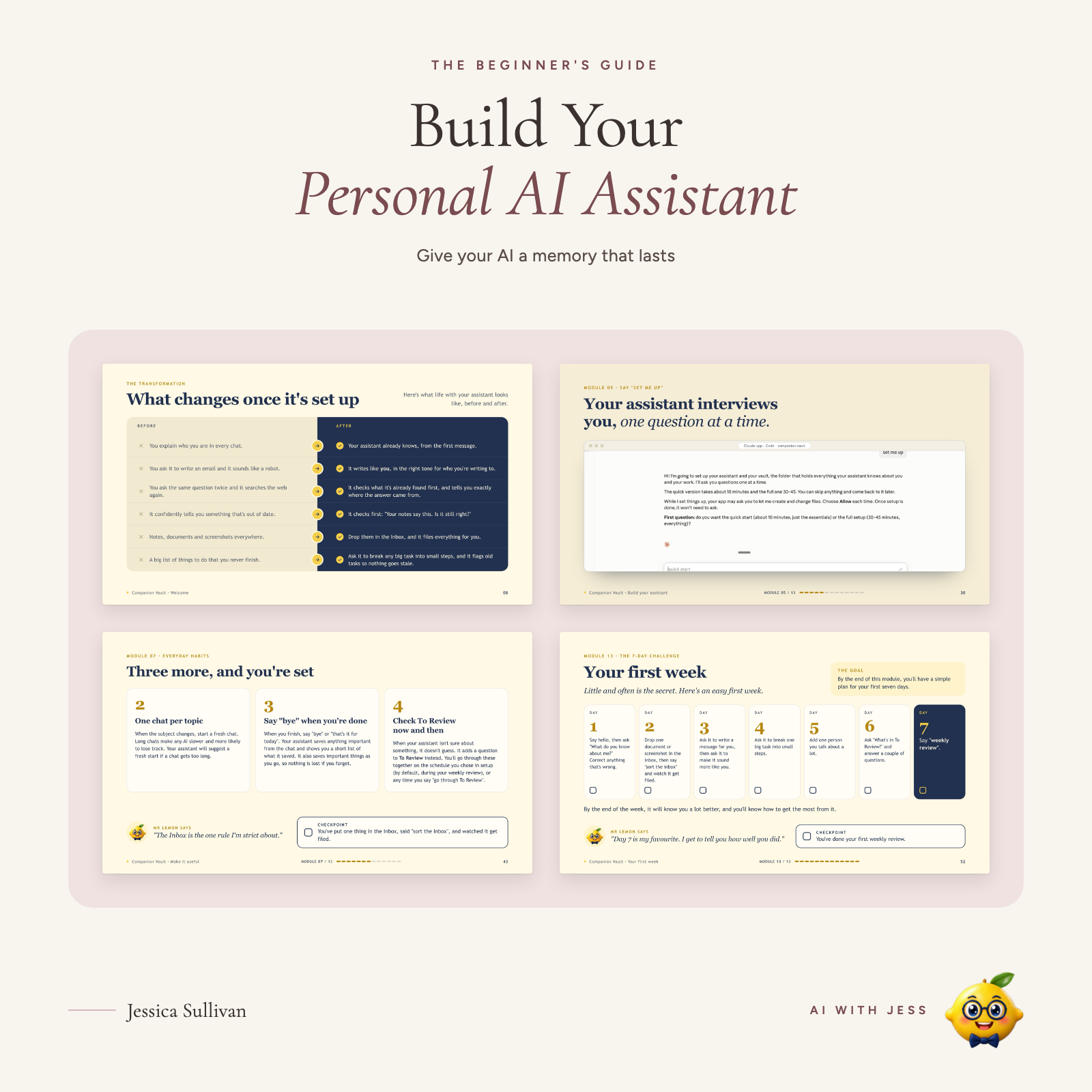 Image 2 of 4
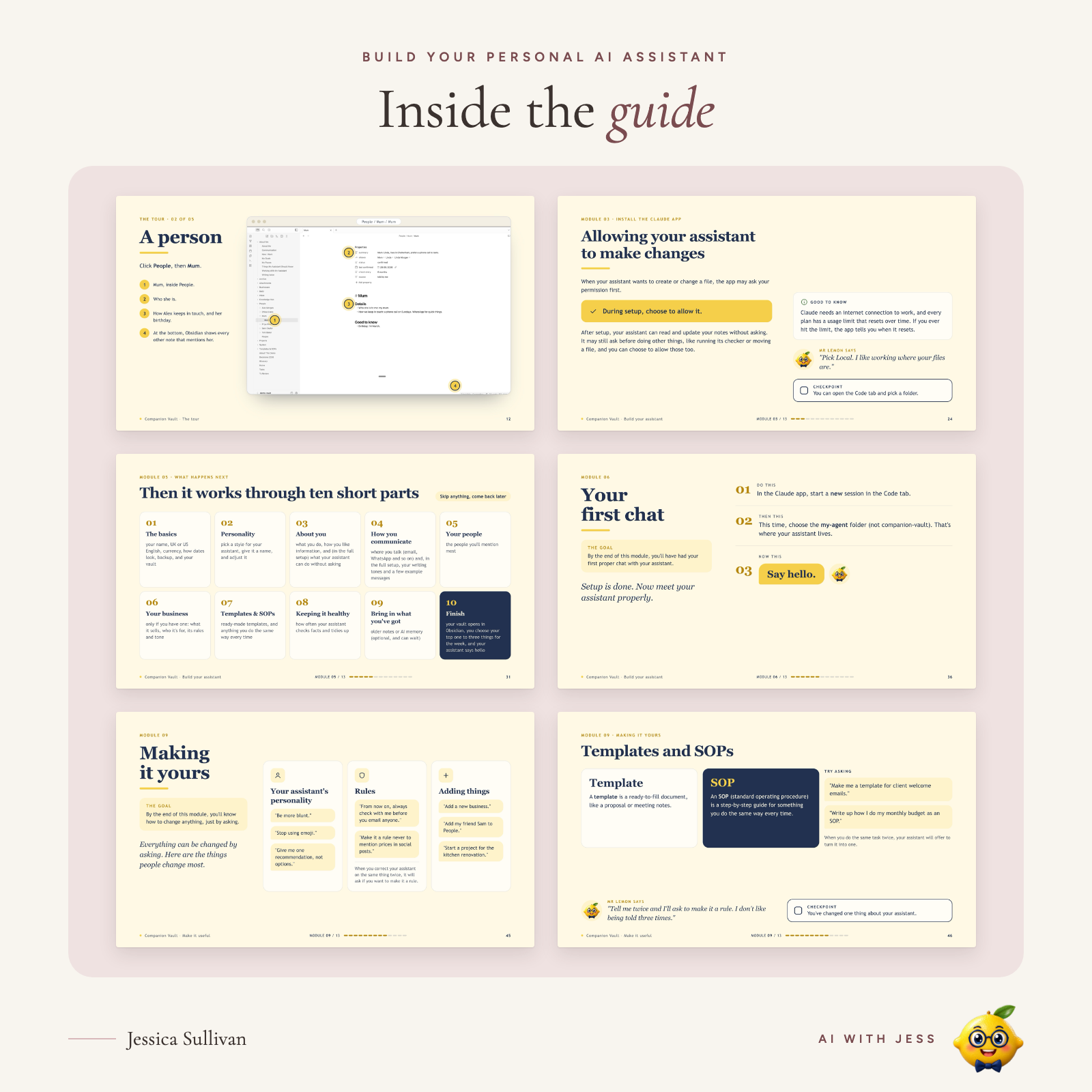 Image 3 of 4
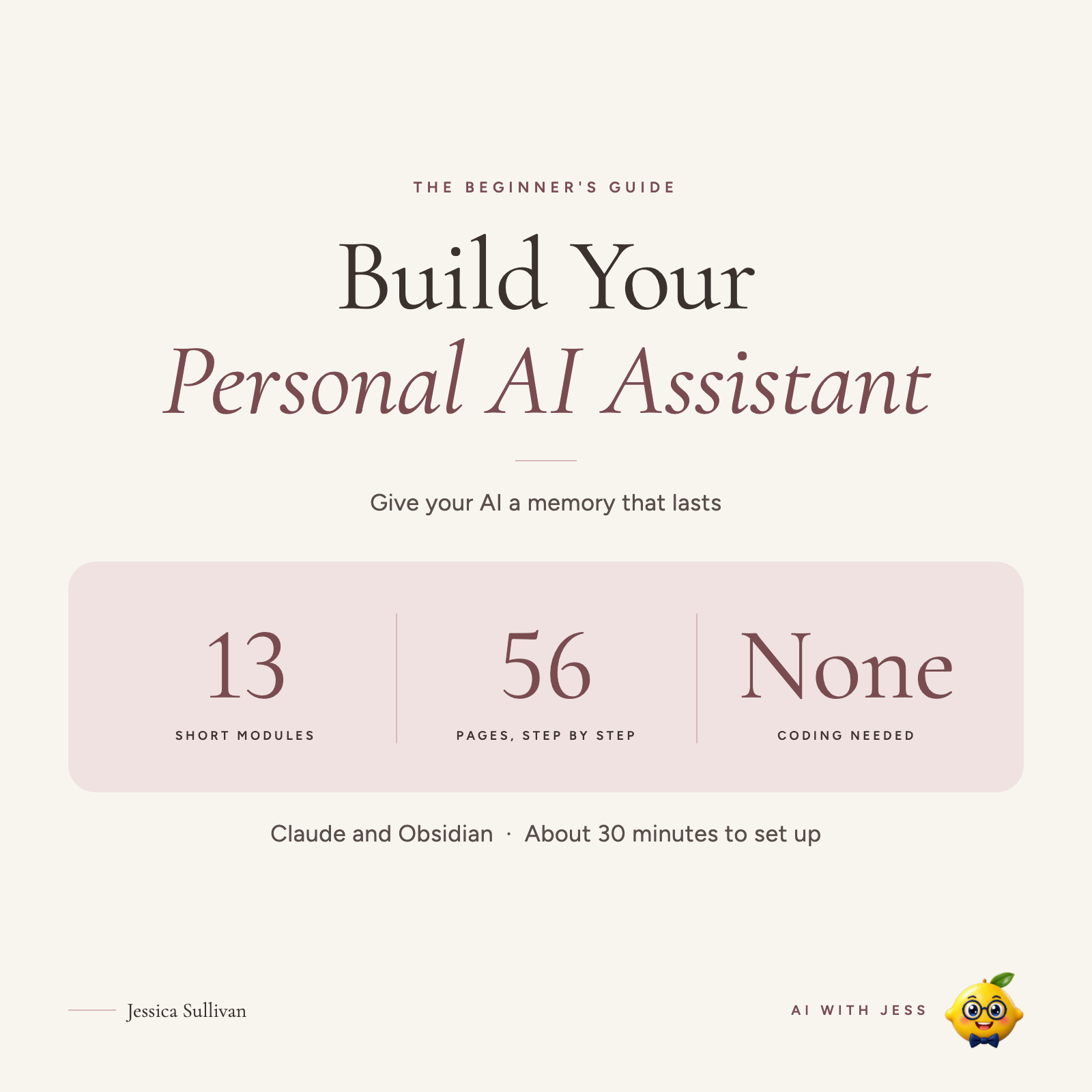 Image 4 of 4
Brand new here! The blog's only just begun, so follow along from day one and grow with me.
Make Claude remember you, across every chat.
Launch offer: £19 until Sunday 15 November 2026, then £29.
Your AI can be brilliant, and still feel like a stranger every time you open a new chat. You explain who you are, what you're working on and how you like things written. Then you do it all again tomorrow.
This beginner's guide shows you how to build a personal AI assistant with Claude and Obsidian that remembers your context, preferences, people, projects and routines. No coding. It checks with you when it isn't sure, and your knowledge stays organised instead of disappearing into old chats.
---
WHAT YOU'RE BUILDING
🧠 Memory, so you don't have to repeat yourself
👤 Context about you: your preferences, people, projects and work
📥 An Inbox, so you can give it things to sort
🔎 A To Review list, so it tells you when it's unsure
🔁 Routines, so useful things become repeatable
📚 Templates and SOPs, so your best ways of working don't disappear
💬 Your own voice and rules, so it feels like your assistant
---
WHAT YOU GET
01 The Companion Vault system, ready to install and personalise
02 Step-by-step setup, from installing Obsidian and Claude to your first conversation
03 An AI setup interview: tell your assistant about yourself instead of configuring it by hand
04 Memory and context: the foundation that lets your AI understand you
05 Everyday workflows: Inbox, To Review, routines and templates
06 Safety and troubleshooting: what to keep private and what to do if something goes wrong
07 Your first-week plan
13 short modules, with screenshots, checkpoints, a progress tracker and help by email if you get stuck.
Imagine asking "What do you know about me?" and getting an answer that makes sense. Or "Help me plan tomorrow", and your assistant already knows what you're working on.
---
WHO IT'S FOR
✓ You use ChatGPT or Claude but keep repeating yourself
✓ You want AI that understands how you work
✓ You want more than a collection of prompts
✓ You're happy to spend about 30 minutes setting up
Not for you if…
✕ You want a plug-and-play chatbot with no setup
✕ You don't want to use Claude and Obsidian
✕ You need a system that runs entirely in the cloud
Already confident with AI? Build Your AI Second Brain (Advanced Guide) goes further.
---
WHAT YOU NEED
- A computer (tested most on Mac; Windows should work too). It isn't designed for phone-only use.
- A paid Claude plan (Pro or above)
- Obsidian (free)
- About 30 minutes
---
GOOD TO KNOW
Companion Vault is free and open source. You're paying for the step-by-step walkthrough: the setup, screenshots, examples and troubleshooting in one guide, so you don't have to work it out alone.
Your privacy: your notes live on your own computer. When your assistant reads a note to help you, that information is sent to Claude, just like anything you type into a Claude chat.
Format: PDF (56 pages). Instant download.
By buying, you agree to the Terms and Conditions and ask for instant access to your download. You agree that you lose your right to cancel once your download is available, and that there are no refunds for change of mind. If anything is wrong with the file, we'll send you a corrected copy.
Make Claude remember you, across every chat.
Launch offer: £19 until Sunday 15 November 2026, then £29.
Your AI can be brilliant, and still feel like a stranger every time you open a new chat. You explain who you are, what you're working on and how you like things written. Then you do it all again tomorrow.
This beginner's guide shows you how to build a personal AI assistant with Claude and Obsidian that remembers your context, preferences, people, projects and routines. No coding. It checks with you when it isn't sure, and your knowledge stays organised instead of disappearing into old chats.
---
WHAT YOU'RE BUILDING
🧠 Memory, so you don't have to repeat yourself
👤 Context about you: your preferences, people, projects and work
📥 An Inbox, so you can give it things to sort
🔎 A To Review list, so it tells you when it's unsure
🔁 Routines, so useful things become repeatable
📚 Templates and SOPs, so your best ways of working don't disappear
💬 Your own voice and rules, so it feels like your assistant
---
WHAT YOU GET
01 The Companion Vault system, ready to install and personalise
02 Step-by-step setup, from installing Obsidian and Claude to your first conversation
03 An AI setup interview: tell your assistant about yourself instead of configuring it by hand
04 Memory and context: the foundation that lets your AI understand you
05 Everyday workflows: Inbox, To Review, routines and templates
06 Safety and troubleshooting: what to keep private and what to do if something goes wrong
07 Your first-week plan
13 short modules, with screenshots, checkpoints, a progress tracker and help by email if you get stuck.
Imagine asking "What do you know about me?" and getting an answer that makes sense. Or "Help me plan tomorrow", and your assistant already knows what you're working on.
---
WHO IT'S FOR
✓ You use ChatGPT or Claude but keep repeating yourself
✓ You want AI that understands how you work
✓ You want more than a collection of prompts
✓ You're happy to spend about 30 minutes setting up
Not for you if…
✕ You want a plug-and-play chatbot with no setup
✕ You don't want to use Claude and Obsidian
✕ You need a system that runs entirely in the cloud
Already confident with AI? Build Your AI Second Brain (Advanced Guide) goes further.
---
WHAT YOU NEED
- A computer (tested most on Mac; Windows should work too). It isn't designed for phone-only use.
- A paid Claude plan (Pro or above)
- Obsidian (free)
- About 30 minutes
---
GOOD TO KNOW
Companion Vault is free and open source. You're paying for the step-by-step walkthrough: the setup, screenshots, examples and troubleshooting in one guide, so you don't have to work it out alone.
Your privacy: your notes live on your own computer. When your assistant reads a note to help you, that information is sent to Claude, just like anything you type into a Claude chat.
Format: PDF (56 pages). Instant download.
By buying, you agree to the Terms and Conditions and ask for instant access to your download. You agree that you lose your right to cancel once your download is available, and that there are no refunds for change of mind. If anything is wrong with the file, we'll send you a corrected copy.