
 Image 1 of 4
 Image 2 of 4
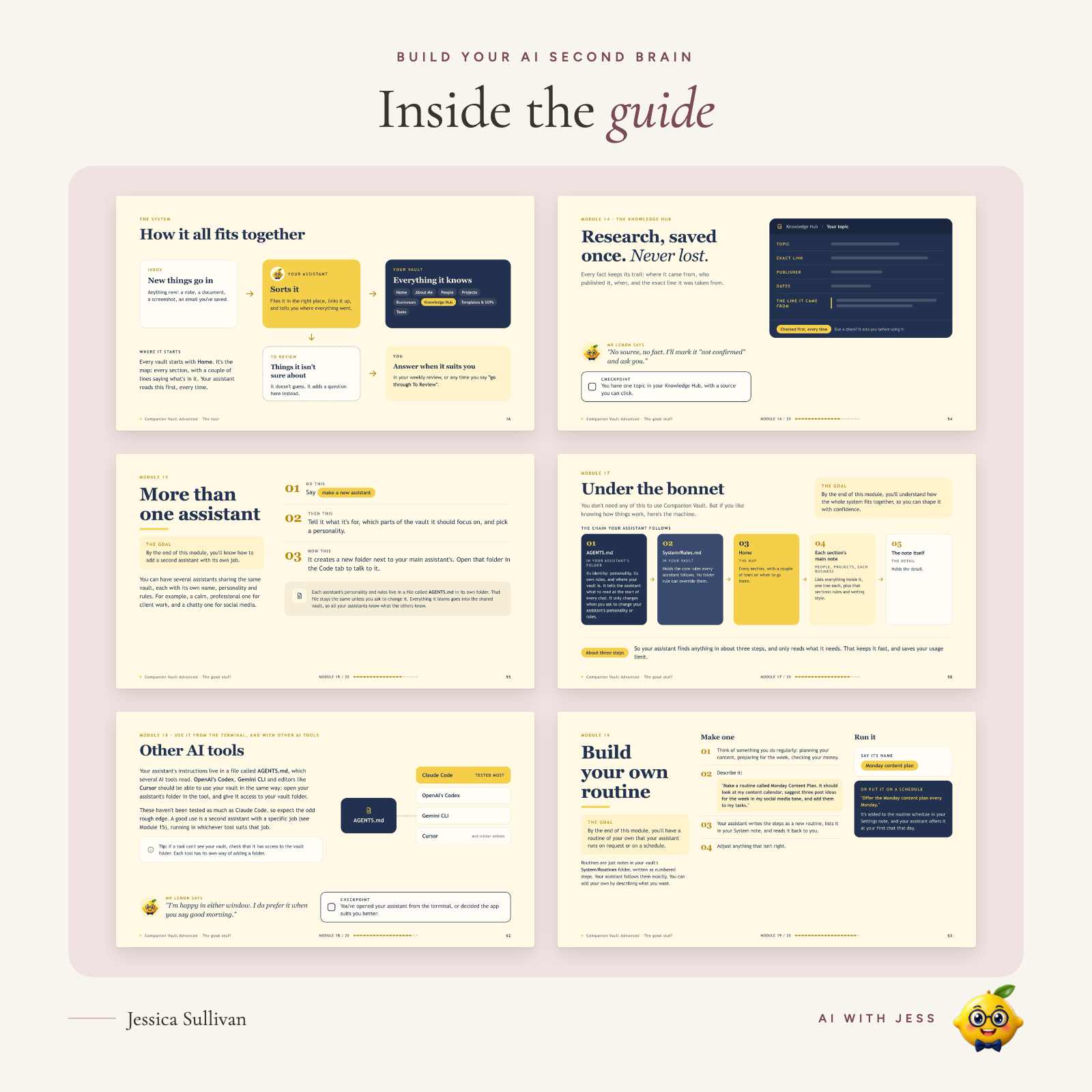 Image 3 of 4
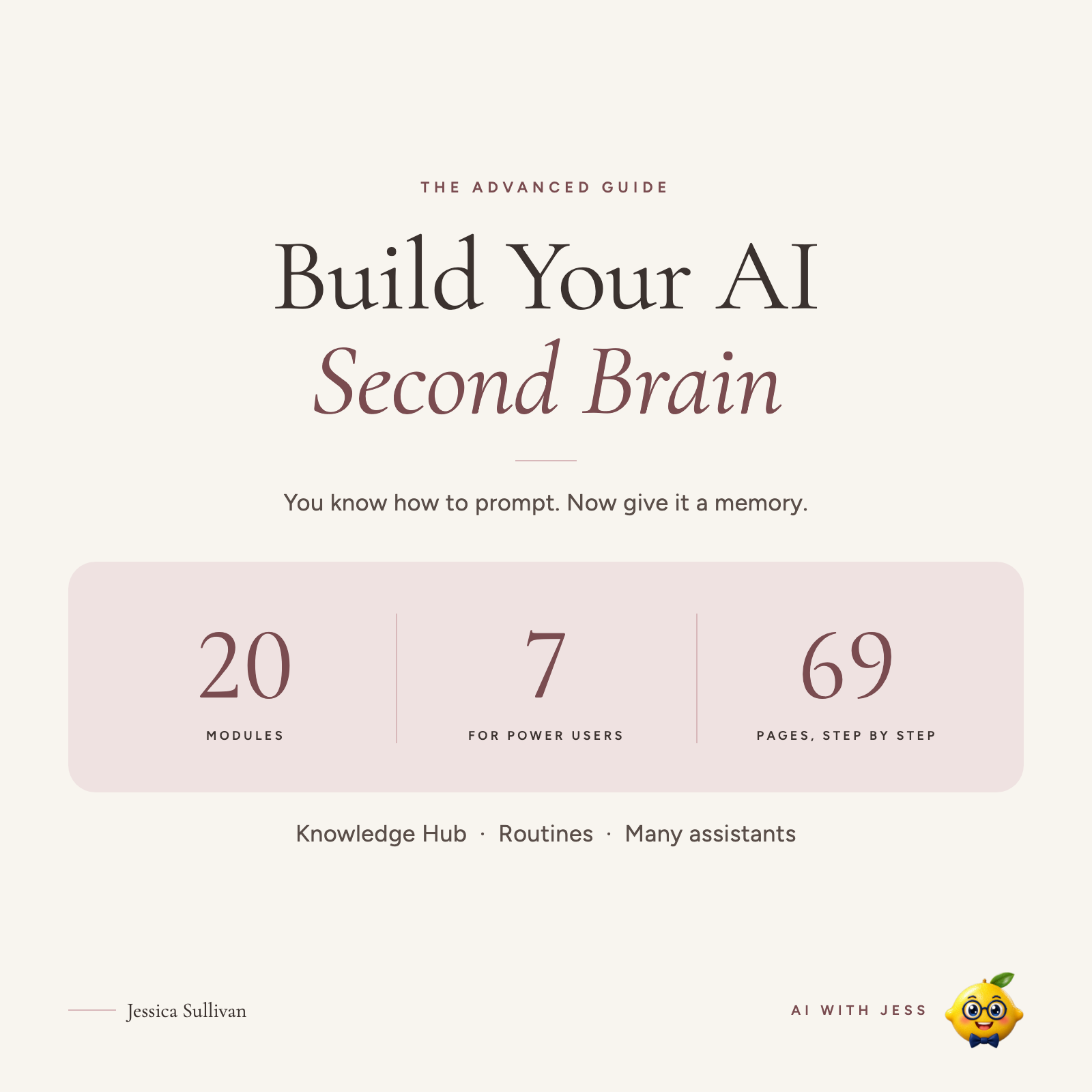 Image 4 of 4
Brand new here! The blog's only just begun, so follow along from day one and grow with me.
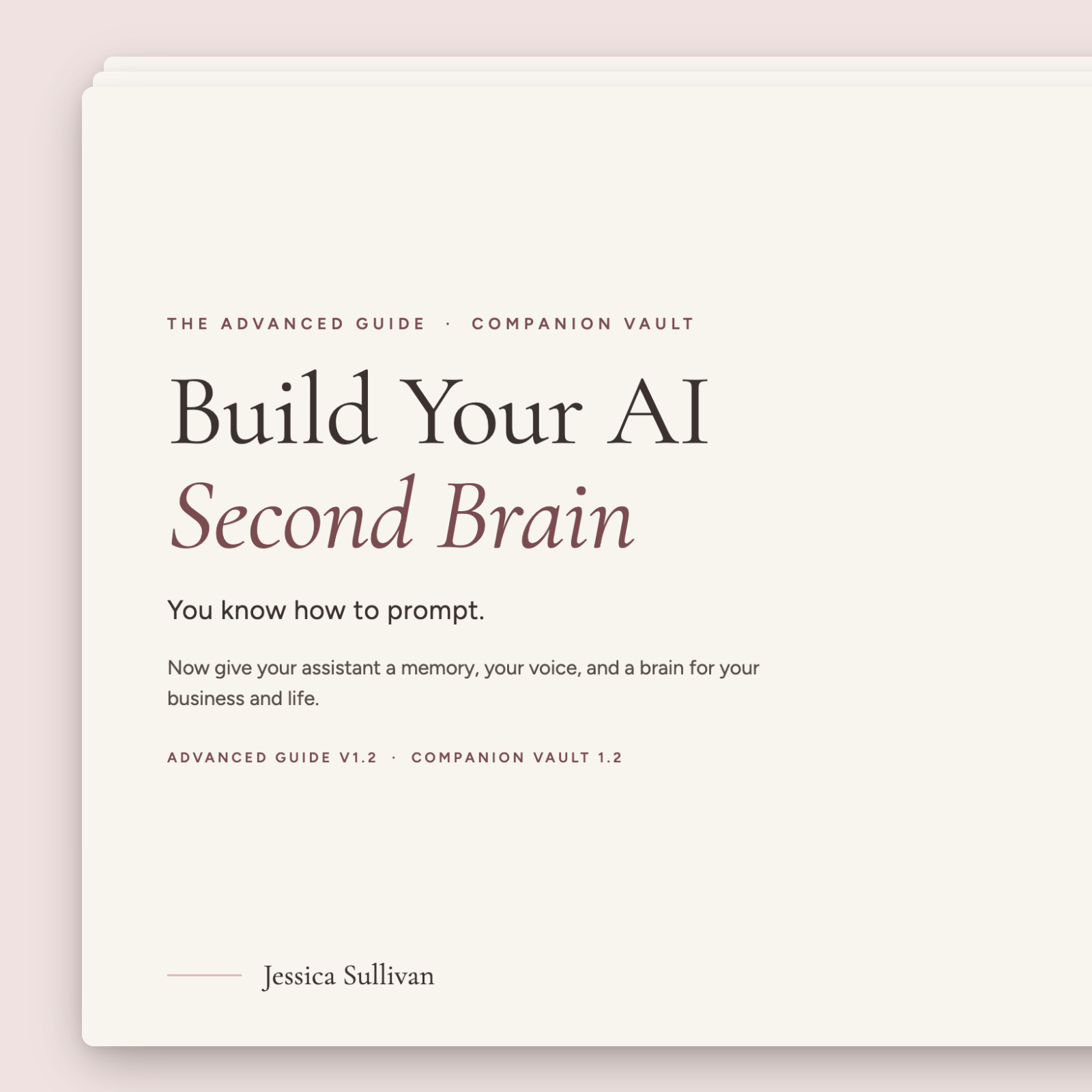
Build a Claude and Obsidian second brain that remembers everything.
Launch offer: £39 until Sunday 15 November 2026, then £49.
You already know how to use AI. You've learned prompting, tried ChatGPT and Claude, and maybe built workflows. But you're still re-explaining context, hunting for old prompts, rebuilding research and repeating the same workflows by hand.
This advanced guide shows you how to build an AI second brain with Claude and Obsidian: lasting memory, your voice, a knowledge hub, specialised assistants and routines, all working together as one system.
---
WHAT YOU'RE BUILDING
🧠 Lasting memory: a deeper context layer around how you work
🎙️ Voice and personality: an assistant that sounds and behaves the way you want
📚 A Knowledge Hub: research that never loses its source
🤖 Specialised assistants for different areas of your work and life, sharing one memory
⚡ A prompt library you can actually find things in
🔁 Custom routines that turn repeated processes into systems
---
WHAT YOU GET
- The full Companion Vault setup, and how all the pieces fit together
- Research workflows you can keep and reuse
- Terminal workflows with Claude Code, plus notes on Codex, Gemini and Cursor
- A first-week plan and what to do if something goes wrong
20 modules (7 for power users), with screenshots, checkpoints, a progress tracker and help by email if you get stuck.
---
WHO IT'S FOR
✓ You're comfortable with AI and want a system, not just chats
✓ You want a second brain your AI can actually use
✓ You'd like several assistants that share one memory
Not for you if…
✕ You've never built an AI assistant: start with Build Your Personal AI Assistant (Beginner's Guide)
✕ You don't want to use Claude and Obsidian
You don't need to understand it all before you start. The advanced material is there when you're ready.
---
WHAT YOU NEED
- A computer (tested most on Mac; Windows should work too)
- A paid Claude plan (Pro or above)
- Obsidian (free)
---
GOOD TO KNOW
Companion Vault is free and open source. You're paying for the walkthrough, screenshots, examples, workflows and advanced modules in one guide.
Your privacy: your notes live on your own computer. When your assistant reads a note to help you, that information is sent to Claude, just like anything you type into a Claude chat.
Format: PDF (69 pages). Instant download.
By buying, you agree to the Terms and Conditions and ask for instant access to your download. You agree that you lose your right to cancel once your download is available, and that there are no refunds for change of mind. If anything is wrong with the file, we'll send you a corrected copy.
Build a Claude and Obsidian second brain that remembers everything.
Launch offer: £39 until Sunday 15 November 2026, then £49.
You already know how to use AI. You've learned prompting, tried ChatGPT and Claude, and maybe built workflows. But you're still re-explaining context, hunting for old prompts, rebuilding research and repeating the same workflows by hand.
This advanced guide shows you how to build an AI second brain with Claude and Obsidian: lasting memory, your voice, a knowledge hub, specialised assistants and routines, all working together as one system.
---
WHAT YOU'RE BUILDING
🧠 Lasting memory: a deeper context layer around how you work
🎙️ Voice and personality: an assistant that sounds and behaves the way you want
📚 A Knowledge Hub: research that never loses its source
🤖 Specialised assistants for different areas of your work and life, sharing one memory
⚡ A prompt library you can actually find things in
🔁 Custom routines that turn repeated processes into systems
---
WHAT YOU GET
- The full Companion Vault setup, and how all the pieces fit together
- Research workflows you can keep and reuse
- Terminal workflows with Claude Code, plus notes on Codex, Gemini and Cursor
- A first-week plan and what to do if something goes wrong
20 modules (7 for power users), with screenshots, checkpoints, a progress tracker and help by email if you get stuck.
---
WHO IT'S FOR
✓ You're comfortable with AI and want a system, not just chats
✓ You want a second brain your AI can actually use
✓ You'd like several assistants that share one memory
Not for you if…
✕ You've never built an AI assistant: start with Build Your Personal AI Assistant (Beginner's Guide)
✕ You don't want to use Claude and Obsidian
You don't need to understand it all before you start. The advanced material is there when you're ready.
---
WHAT YOU NEED
- A computer (tested most on Mac; Windows should work too)
- A paid Claude plan (Pro or above)
- Obsidian (free)
---
GOOD TO KNOW
Companion Vault is free and open source. You're paying for the walkthrough, screenshots, examples, workflows and advanced modules in one guide.
Your privacy: your notes live on your own computer. When your assistant reads a note to help you, that information is sent to Claude, just like anything you type into a Claude chat.
Format: PDF (69 pages). Instant download.
By buying, you agree to the Terms and Conditions and ask for instant access to your download. You agree that you lose your right to cancel once your download is available, and that there are no refunds for change of mind. If anything is wrong with the file, we'll send you a corrected copy.